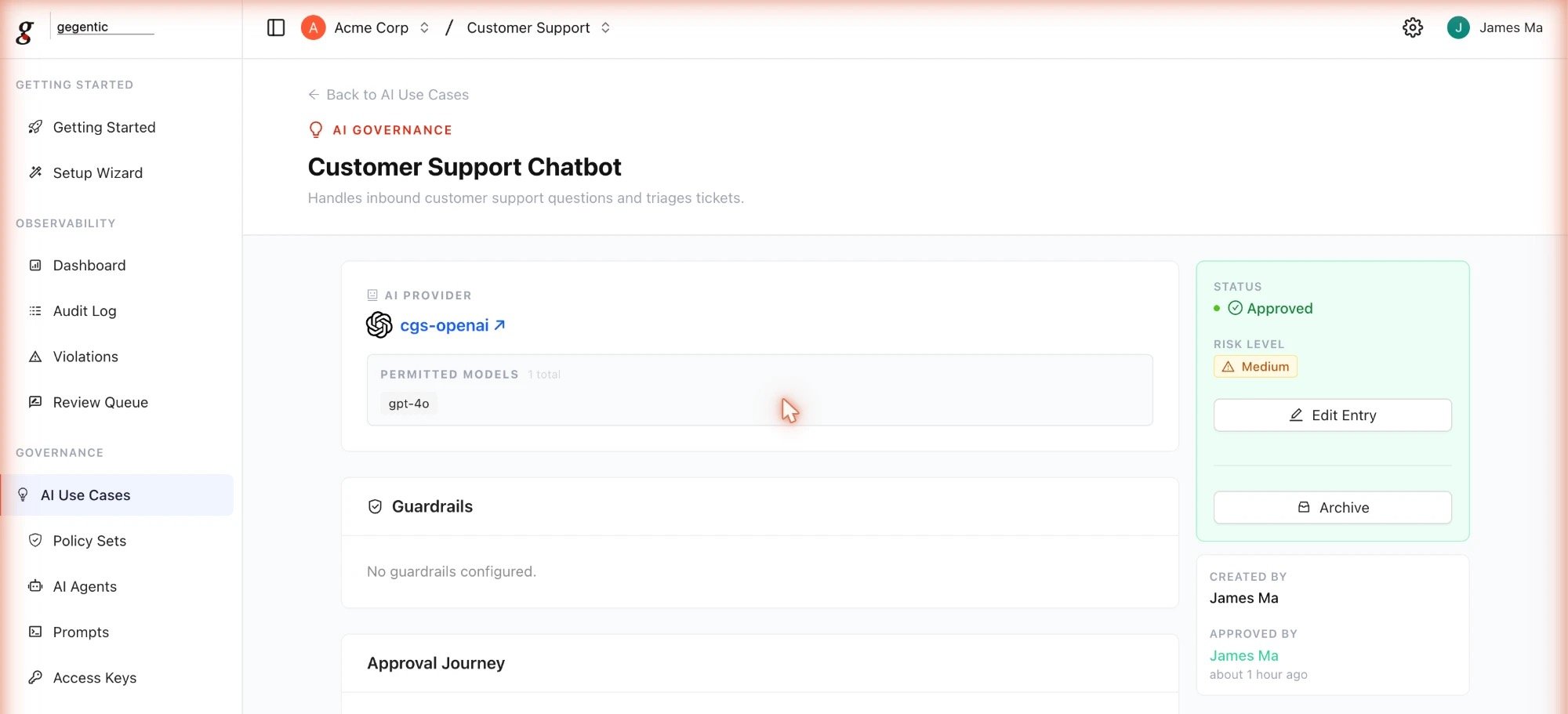
An approved AI Use Case, showing its AI Provider, Permitted Models, and Approval Journey
Fields
- Name (required)
- Description (optional) — what the use case is for
- AI Provider (required) — selected from your organization’s connected providers
- Allowed Models (required) — the specific models permitted under this use case
- Risk Rating (required) — the risk level assigned to this provider/model combination
- Notes (optional)
- Policy Set (optional) — a default Policy Set applied to agents created from this use case, unless overridden
Status
A use case can bedraft, proposed, confirmed, active, deprecated, or rejected. Only confirmed or active use cases are available when creating a new AI Agent.